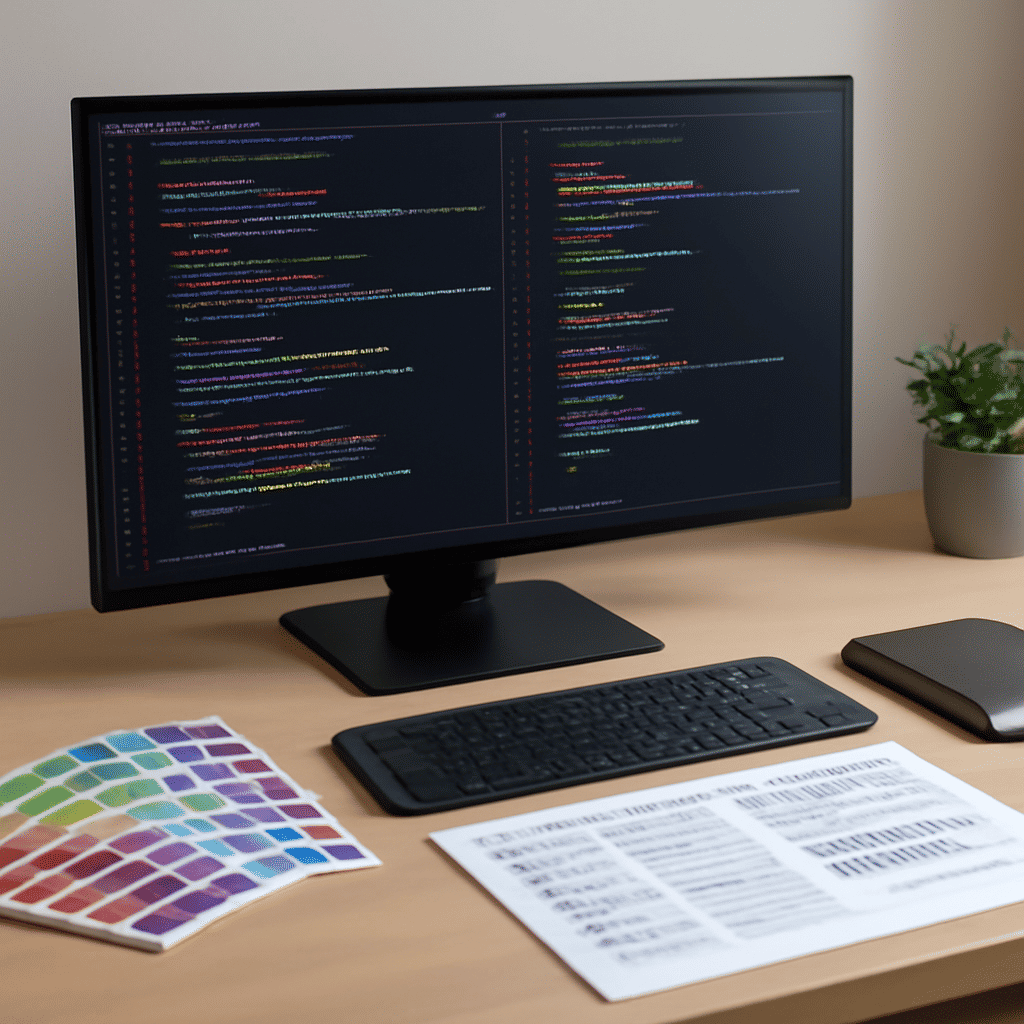
Enhancing your website's visual appeal and user experience is crucial in today's digital age. By mastering a few key CSS techniques, you can transform your online presence and ensure your website captures and retains visitors' attention. Below are some essential CSS tips that will help elevate your site:
1. Layout Optimization:
The layout of your site forms its backbone. CSS Grid and Flexbox are powerful tools that allow for responsive and flexible designs.
-
CSS Grid: Utilize CSS Grid for creating complex layouts, such as two-dimensional grid-based designs. It helps in realigning items across a page and organizing content effectively.
-
Flexbox: Ideal for simpler, one-dimensional layouts, Flexbox lets you align items along a single axis, be it vertically or horizontally. It is especially useful for developing mobile-friendly designs.
2. Thoughtful Color Selection:
Color impacts the perception of your brand. CSS allows you to implement precise colors that align with your branding and aesthetic goals.
-
Color Theory Basics: Understand complementary and analogous colors to create harmony. Using tools like color schemers can assist in selecting a palette that appeals to your audience.
-
RGBA and Opacity: RGBA values and opacity settings enable you to add transparency, creating subtle overlays or muted backgrounds for a more sophisticated look.
3. Font Integrations:
Typography is a critical element of design that enhances readability and conveys tone. CSS empowers you with various font styling options.
-
Web Fonts: Incorporate web fonts using services such as Google Fonts, which widen your typographic range. Make sure to maintain legibility with clear font sizes and line heights.
-
Font Weight and Styling: Manipulate the font weight to draw attention to particular sections or to maintain a clean hierarchy. CSS allows you to apply boldness and cursive effects selectively.
4. Animation and Transition Effects:
CSS animations and transitions can make interactions more engaging without distracting users from the site's content.
-
Transitions: Utilize CSS transitions to smoothly respond to user interactions, such as hovering over buttons or shifting between sections. This creates a fluid experience.
-
Keyframe Animations: With keyframes, animating complex elements becomes possible, allowing an element to move, change colors, or alter shape over time.
5. Emphasizing Accessibility:
Designing with all users in mind is fundamental.
-
Contrast and Colorblindness: Ensure text is readable against backgrounds, and consider color blindness by including non-color cues.
-
Semantic HTML and ARIA Labels: Use semantic HTML tags and ARIA labels to assist screen readers and improve navigation for users with disabilities.
6. Responsive Design Techniques:
With the prevalence of devices with varying screen sizes, responsive design is a priority.
-
Media Queries: Use CSS media queries to apply styles based on device characteristics such as screen width, height, and orientation, ensuring a seamless experience across different devices.
-
Viewport Units: Employ viewport units (vh, vw) for proportional sizing that adjusts dynamically to the user's screen dimensions.
By integrating these CSS tips into your workflow, not only will your website's appearance be enhanced, but its functionality, accessibility, and user engagement will improve. Continuously experimenting with new techniques and staying updated on CSS advancements will further refine your skills and the quality of your web projects.